
Introduction
In today’s digital age, understanding your child’s online activity is crucial. Parents often wonder if they can see their child’s search history. This concern extends to incognito mode, which many believe offers complete privacy. However, the reality is more complex.
Digital footprints are left behind with every click and search. These traces can be accessed by those with the right tools and knowledge. Parents have several options to monitor their child’s online behavior responsibly.
This guide will explore how parents can view search history, even in incognito mode. We’ll also discuss the importance of digital footprints and how to educate children about online safety. Balancing monitoring with privacy is key to fostering trust and safety online.
Can Parents See Your Search History?
Parents often worry about their child’s online activity. Fortunately, they can access search history if they know where to look. Most web browsers save this history unless it’s deleted manually.
Parents can explore search history using several methods. Accessing the child’s device directly is one way. They can then check the browser’s search history through simple navigation.
A list of methods parents can use to see search history includes:
- Checking browser history on the device
- Viewing search history through Google My Activity if accounts are shared
- Using family sharing features on devices
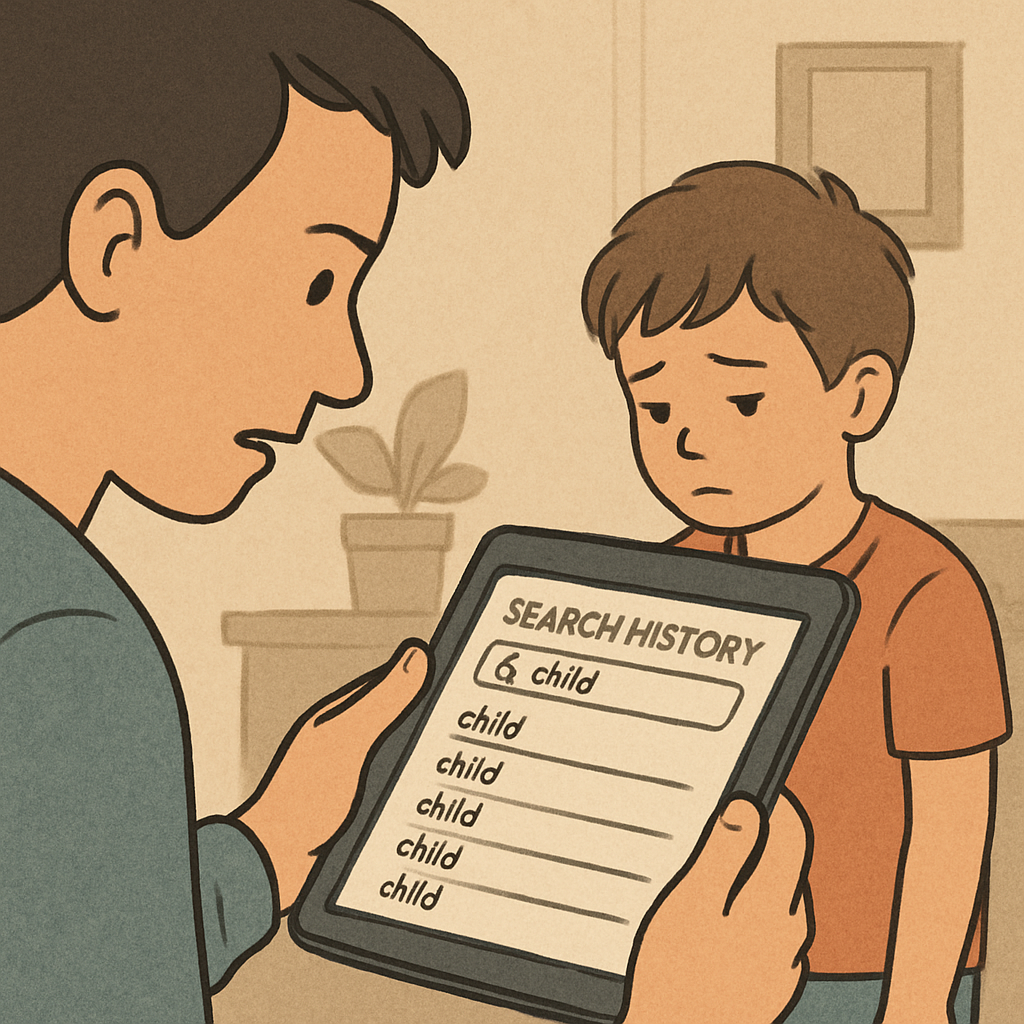
Moreover, it’s important to note that shared accounts often leave search traces. This means parents might see what their child looks at online. However, it requires having access to the shared account.
Some search engines store history linked to user accounts. Parents can gain insight by looking into these accounts directly. This method is effective if the child logs into shared profiles.
Through these methods, parents can ensure that their child’s online activity is safe. Gaining access to search history involves a mix of direct observation and understanding account links. This creates an opportunity for open dialogue about online habits.
Can Parents See Incognito History?
Many people assume incognito mode means complete privacy. However, this is a misconception. Incognito mode only hides browsing activity from the device itself.
While using incognito, the browser doesn’t save the user’s search history. But, it doesn’t mean parents are entirely blocked from access. Administrators or network managers can still see this activity.
A list of reasons why incognito mode isn’t entirely private includes:
- Network routers can track browsing data
- Internet Service Providers (ISPs) monitor online activities
- Shared devices can log timestamps of site visits

ISPs typically store browsing data as part of their service. This means browsing history can be accessed if necessary. Schools and workplaces often utilize network tracking for this reason.
Understanding incognito’s limits can help parents in guiding children. It’s crucial to inform kids that incognito doesn’t mean invisible. Encouraging responsible online behavior remains essential.
Providing knowledge to children about incognito’s limitations helps them make safer decisions online. This can be a step in educating them about digital responsibility. Parents should use this knowledge for meaningful discussions on privacy.
Understanding Your Child’s Digital Footprint
A digital footprint is the trail left by online activities. Every interaction contributes, shaping an individual’s online presence. This footprint is permanent and can have long-term consequences.
Children often don’t realize the impact of their actions. Understanding digital footprints helps them act safely and wisely. Every post, search, and upload is part of this footprint.
Key elements contributing to a digital footprint include:
- Social media posts and interactions
- Search engine queries and browsing history
- Online purchases and transactions
by Boston Public Library (https://unsplash.com/@bostonpubliclibrary)
Parents should educate children on being mindful about online sharing. Discuss the repercussions of thoughtless online actions. Awareness of digital footprints can prevent future issues.
Transparent communication encourages responsible online behavior. Teach children that their footprints are valuable and lasting. Guide them to make choices that won’t haunt them later.
Digital footprints shape reputations. Knowing this, children might pause before posting or sharing. With good guidance, they can navigate the digital world safely.
How Search History Is Stored and Tracked
Search history is stored through various channels. Web browsers log your searches unless you manually clear them. This makes it easier to revisit previous websites.
Besides browsers, internet service providers (ISPs) track online activities. They log search history at the network level. This data can be stored for long periods.
Search engines like Google keep detailed records too. They link search histories with user accounts. This facilitates better service personalization.
Common ways search history is tracked include:
- Browser history logs
- ISP data retention
- Search engine records
by Moritz Kindler (https://unsplash.com/@moritz_photography)
Network routers can also log search activities. Those with admin access can review this information. Parents can use this to keep an eye on their child’s activities.
Awareness of how history is tracked can guide safer internet use. Educate your child about these processes. This knowledge can help them stay careful online.
Ways Parents Can Monitor Search History
Monitoring your child’s search history can be achieved through several methods. Parents often check directly on the child’s device. This approach requires knowing passwords and accessing the browser’s history log.
Another effective method is using family sharing features. Many devices support this functionality. It allows parents to view and control search history remotely.
Several browsers offer built-in extensions. These tools enable tracking of browsing activity and can notify parents of questionable search terms. They are easy to install and configure.
Parents can also consider installing third-party apps designed for monitoring. These apps often provide comprehensive insights across devices. Popular choices include:
- Qustodio
- Norton Family
by Budi Gustaman (https://unsplash.com/@warungkangabuy1970)
Utilizing parental control settings integrated into devices can also be beneficial. These settings allow for history tracking and access to certain website restrictions.
Finally, open communication with your child is vital. Discussing your monitoring intentions can build trust and openness. It’s important to explain that monitoring aims to protect and guide, not invade privacy.
Parental Control Tools and Software
Parental control tools have advanced significantly to meet modern needs. These tools can help parents not only monitor but also manage their child’s online activities.
Many software options are available, offering diverse features. Some focus on time management, restricting online hours to ensure balanced screen time. Others offer detailed logs of search history.
One key advantage of parental software is real-time monitoring. This feature alerts parents to potentially harmful content immediately. It also allows instant intervention if necessary.
Popular parental control solutions include:
- Net Nanny
- FamilyTime
- Bark
by Buddha Elemental 3D (https://unsplash.com/@buddhaelemental3d)
Most of these tools are user-friendly and compatible with multiple platforms. They typically include dashboards that display insightful data. Parents can see patterns in online behavior and adjust controls accordingly.
Additionally, many of these solutions offer educational resources. These resources aim to inform both parents and children about the risks of online activity and digital footprints. By using these tools, parents can take a proactive role in ensuring their child’s safety online while fostering trust and responsible digital habits.
Balancing Monitoring and Privacy
While monitoring your child’s online activities is important, privacy must also be respected. This balance ensures a trusting relationship with your child.
Transparent communication is key. Talk openly about why monitoring is necessary, emphasizing safety. Let them know you respect their need for privacy as they grow.
Here are a few ways to balance monitoring and privacy:
- Discuss online safety regularly
- Set agreed limits on monitoring
- Revisit guidelines as your child ages
Always consider your child’s age and maturity level. Gradually reduce monitoring as they show responsible behavior. This fosters independence while still keeping safety a priority.
By maintaining open dialogue, you create an environment where your child feels secure discussing any issues they encounter online.
Educating Children About Online Safety and Digital Footprints
Teaching children about online safety is crucial in today’s digital world. It prepares them for smart and safe internet use. Start these conversations early, tailoring the message to their age and understanding.
Digital footprints are permanent records of online activity. Educating kids about their importance helps them make mindful choices. Stress the potential impact of these footprints on their future.
Here are key topics to cover:
- Online privacy and data protection
- Responsible sharing and posting
- Recognizing trustworthy sources
- Understanding consequences of online actions
Encourage children to ask questions, fostering an open dialogue. This approach empowers them to navigate the online world with confidence and responsibility. By guiding them, you ensure a safer digital experience.
Frequently Asked Questions
Parents often have concerns about the visibility of their child’s search history. Understanding what is accessible can ease these worries.
Can I see my child’s search history? Yes, if you have access to their device or accounts. Many browsers and platforms offer history views.
Does incognito mode hide all searches? No, incognito mode only prevents local storage of history. Network admins can still see activity.
Common questions include:
- What are the best tools for monitoring?
- How often should I check my child’s searches?
- Are there apps that notify unsafe activity?
Addressing these FAQs can help parents make informed decisions about online safety.
Conclusion: Building Trust and Safety Online
Building a safe online environment requires both trust and effective communication. It’s important for parents to discuss the significance of online safety with their children openly.
Balancing privacy with monitoring is essential. Parents should strive to create an atmosphere where children feel comfortable discussing their online experiences.
Establishing trust not only protects children online but also empowers them to make safe and responsible choices. Open dialogues about internet use can enhance mutual understanding and strengthen family bonds.